Your inbox,
on your time.
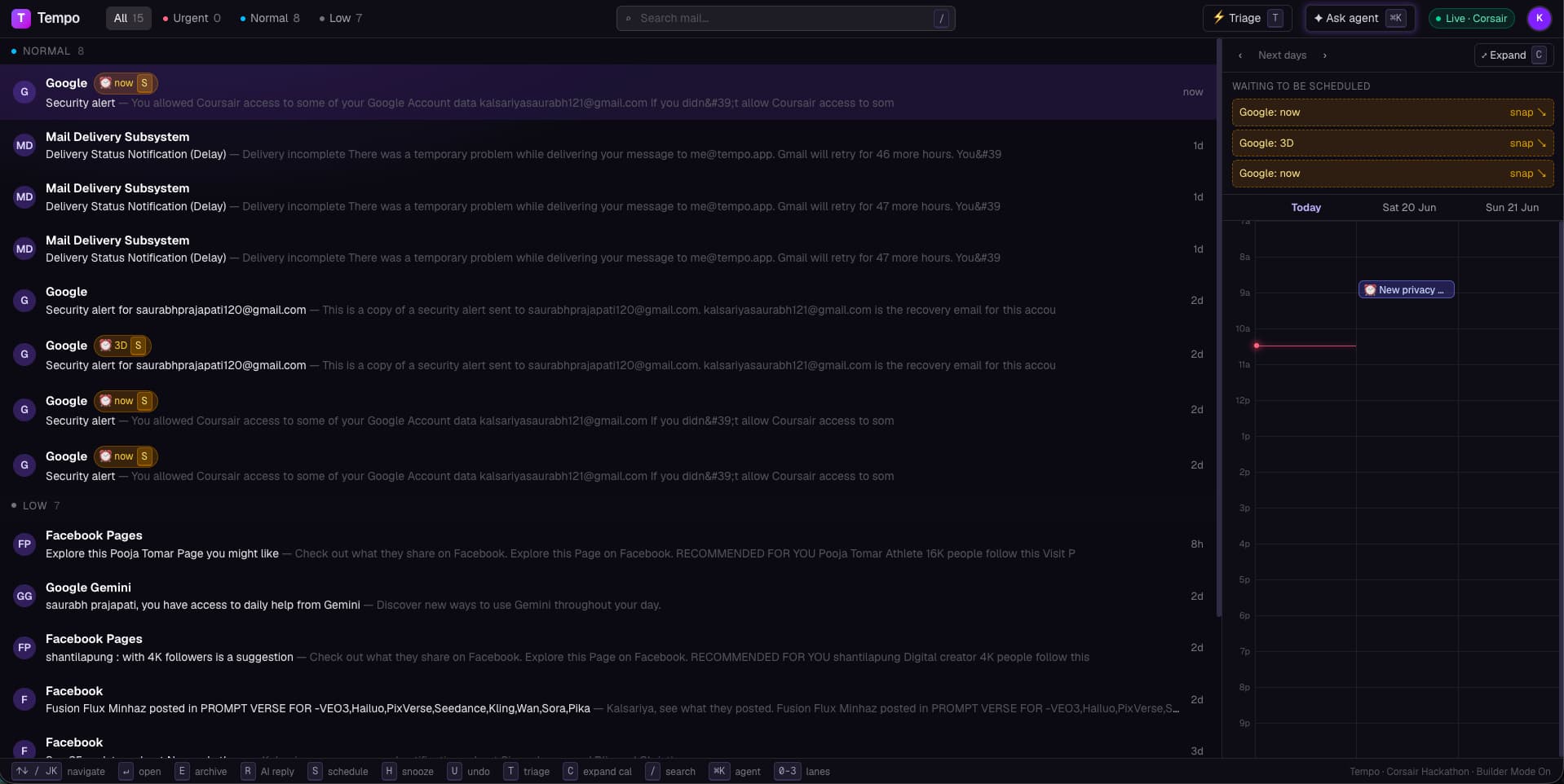
Almost every important email is secretly about time. Tempo fuses Gmail and Google Calendar into one keyboard-first timeline — so scheduling is a keystroke, not a tab-switch.
One sign-in connects Gmail and Calendar — tokens encrypted by Corsair.
Less inbox, more done
Email that thinks in time
Tempo detects “can we sync tomorrow at 2pm?” and turns the email into a calendar block — one keystroke sends the invite.
Speed triage
One email at a time, single-key decisions. Archive, schedule, AI-reply, snooze. Inbox zero in under a minute.
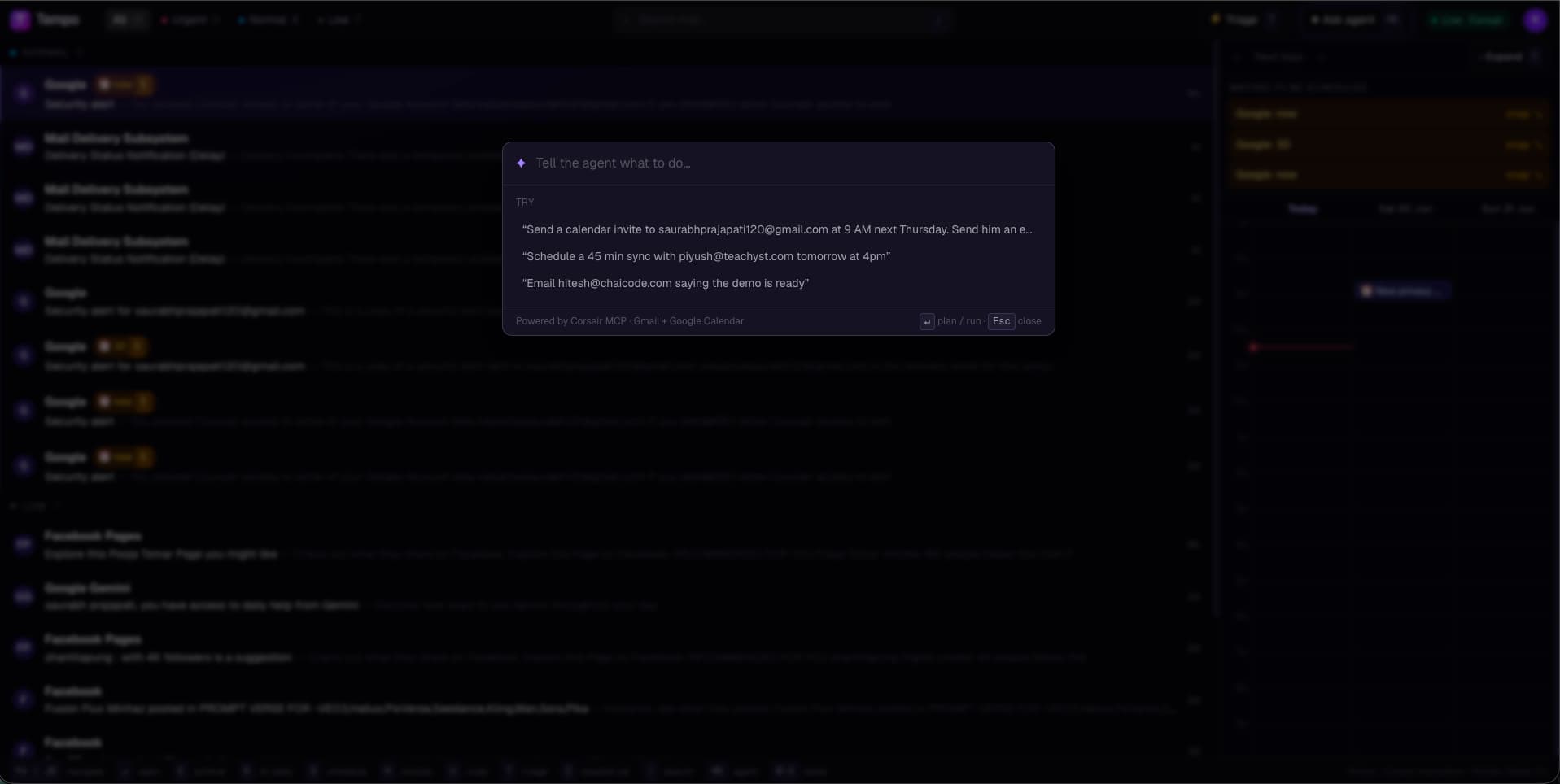
Agent palette
Hit ⌘K and just say it: “invite alex Thursday 9am and email him too.” Preview, press Enter, done.
Realtime, no polling
Corsair webhooks push new mail straight into your timeline, pre-classified by priority with time-intent already parsed.
Three steps to inbox zero
Connect Google once
One OAuth grant wires up Gmail and Calendar. Tokens are envelope-encrypted by Corsair — they never touch the browser.
Triage at the speed of thought
Your inbox becomes a timeline. Single keys move you through it; Tempo surfaces the time hidden in every thread.
Schedule without leaving
Accept a proposed time, fire off a reply, or open ⌘K and describe what you want. No tab-switch, no copy-paste.
Just tell it what to do
Good questions
Is my email data safe?+
Yes. Google tokens are envelope-encrypted and stored server-side by Corsair in Postgres. They never reach the browser or the agent, and you can revoke access from your Google account at any time.
Do I need a credit card?+
No. Tempo was built for the Corsair hackathon — connect your Google account and start triaging immediately.
Is it really keyboard-first?+
Down to the bone. Every core action has a single-key binding, and ⌘K opens an agent palette that understands plain English. Your mouse is optional.
What does the agent actually do?+
It drafts replies, parses scheduling intent, and creates or updates calendar events — but only ever after you preview and confirm. Nothing is sent on your behalf without a keystroke.
Stop tab-switching to schedule.
Connect once and let Tempo turn your inbox into a timeline you can fly through.
Open Tempo →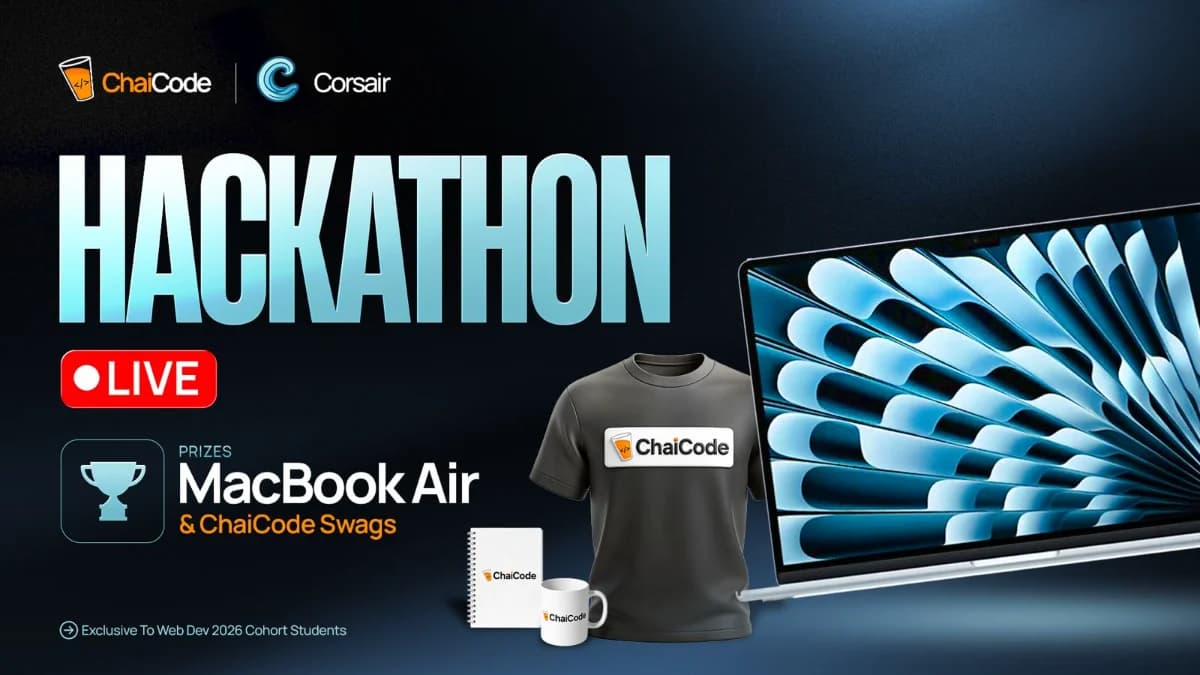
The ChaiCode × Corsair Hackathon · Web Dev 2026 Cohort